Take a photo of your gym sheet, upload a PDF or paste some text. Ghisa uses AI to identify the exercises, sets and reps. Review the result before saving it to your routines.
Can the coach create and edit routines?+
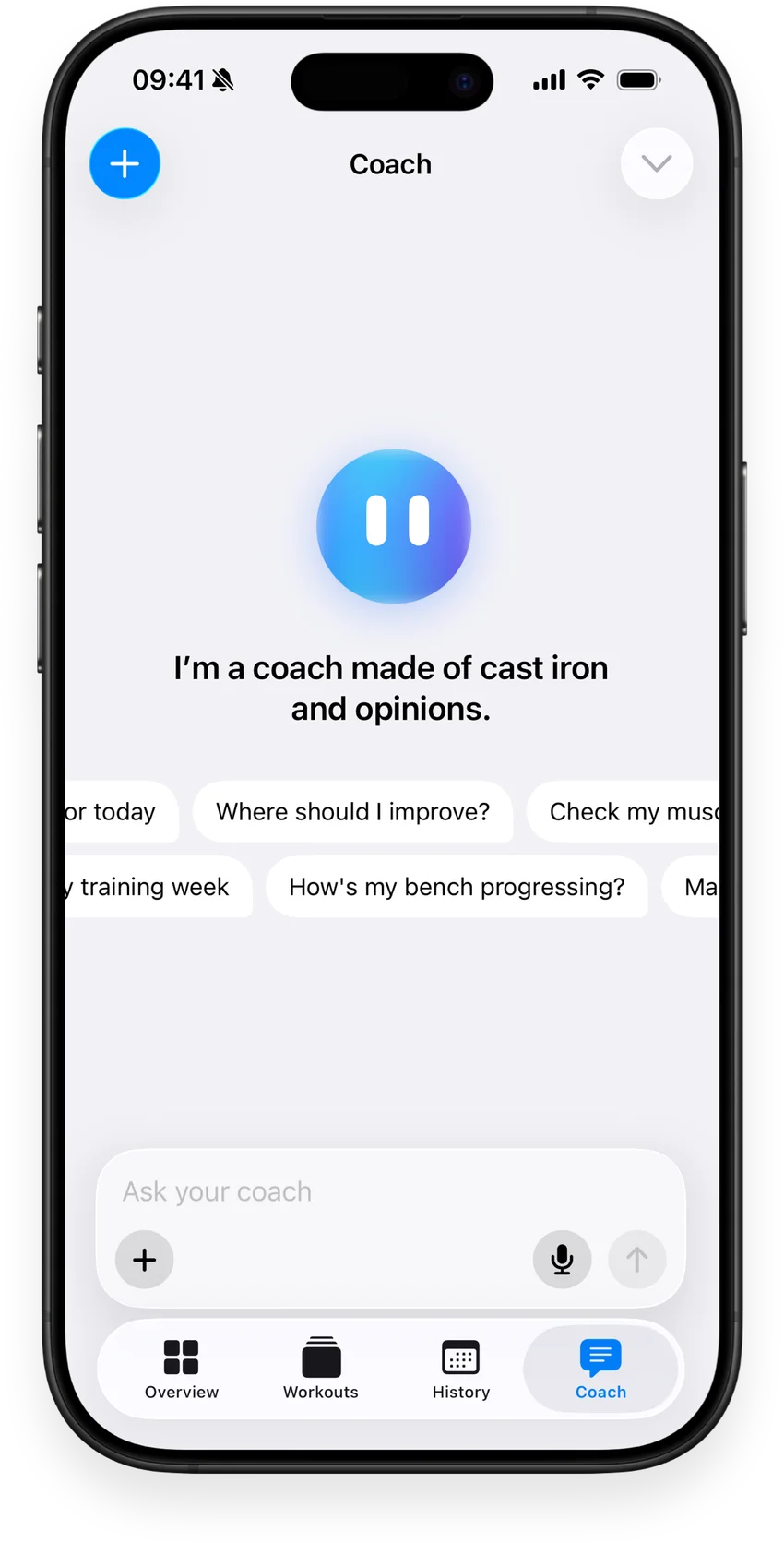
Yes. Tell the coach your goal, available time and equipment. It can propose workouts and programs, edit saved routines and use your history to answer questions about your training.
Can I build a routine myself?+
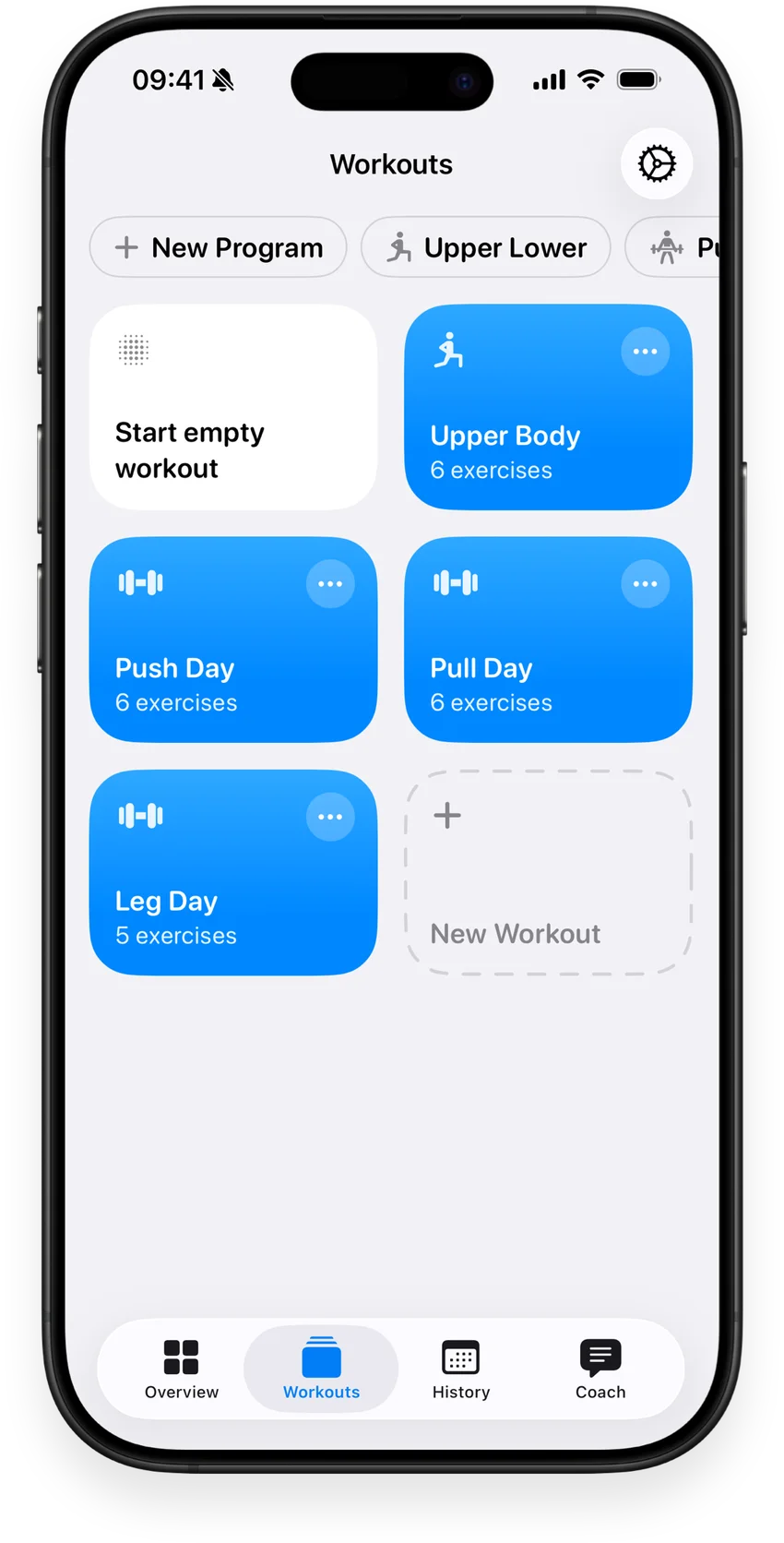
Yes. Choose exercises and set your reps, weights and rest times. Reorder movements, group them into supersets and add custom exercises.
What does muscle recovery show?+
An estimate based on the training you log and the time since each muscle group was trained. It helps you read your training week; it does not measure your body’s readiness or replace how you feel.
Can I use Ghisa on Apple Watch?+
Yes. Track sets and rest times on your wrist, with live heart rate and workout metrics. Ghisa requires iOS 26.1 and watchOS 26.1 or later.
Can I bring my workout history from another app?+
You can import supported CSV exports from Strong and Hevy, as well as use AI to import workout plans from photos, files and text.
How much does Ghisa cost?+
Ghisa is available on the App Store with in-app purchases. You can see the current plans, prices and included features in the app before purchasing.
How is my data handled?+
Your workout data is stored on your device and syncs through your private iCloud database. AI requests share the relevant information with AI providers. Coach message text is also collected in app analytics. Read the privacy policy for the full details.